Master 3D CAD Design with SolidWorks Course

Learn professional 3D CAD design with our SolidWorks Software Training. Create 3D models, assemblies, sheet metal designs, and product simulations with hands-on industry-oriented training.

Try Our Free Demo
Level

All Levels

Duration

8 Weeks

Certification

Government Certification

SolidWorks Course

Overview

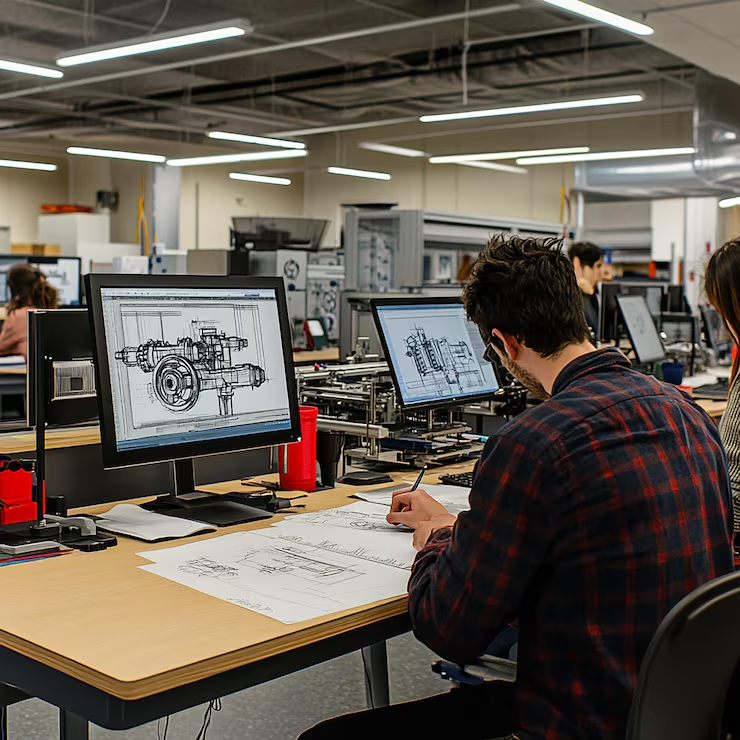
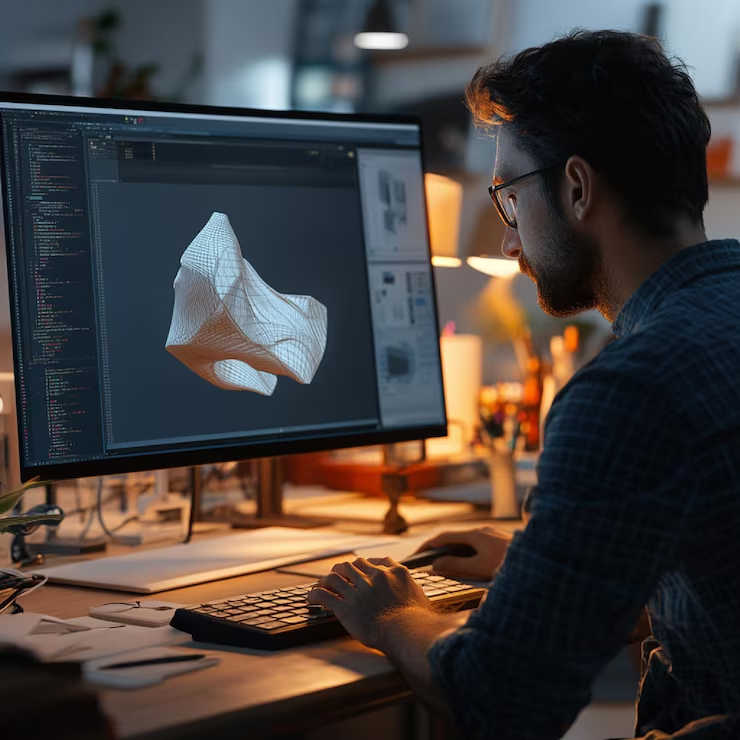
SolidWorks is a powerful CAD and CAE software used for product design, 3D modeling, assemblies, drafting, and simulations. This course helps students gain practical experience with real-world projects and advanced design workflows.
  • Mechanical Engineer
  • Product Designer
  • CAD Engineer
  • Sheet Metal Designer
  • 3D Modeling Specialist
  • Design Engineer

Training and Methodology

By enrolling in this course, you will gain access to:

Real-World Projects - Work on practical design and manufacturing tasks.
Industry Simulations - Test and validate designs in real-world scenarios.
Expert Feedback - Learn directly from experienced design professionals.
Evaluation - Progress tracking through assignments and projects.

Why Choose This Course?

Learn SolidWorks from basics to advanced concepts with industry-focused, project-based training.

Register Now
100% Placement Assistance Program

Career support and job placement readiness training.

Real Time Projects

Apply your CAD design skills on live industrial projects.

Reviews and Feedback

Continuous feedback to improve your performance and learning.

Industry Experts

Learn from experienced professionals from the design industry.

Skills acquired from this course

  • Create 3D parametric solid models and assemblies.
  • Apply materials and calculate weight & surface area.
  • Create sheet metal models and flat patterns.
  • Generate detailed drawings and annotations.
  • Create animations for product simulation.
  • Understand assembly design and mechanism management.

The Course Syllabus

The course covers important SolidWorks topics.

Module 1: Solid Modeling
Module 2: Assembly Design
Module 3: Surfacing
Module 4: Sheet Metal
Module 5: Drafting
Module 6: Animation & Mechanism Design
Module 7: Extra Features

Solid Modeling

  • Introduction and Interface
  • Sketching and Parametric Solid Models
  • Features: Extrude, Revolve, Sweep, Loft
  • Part Modifications: Fillet, Chamfer, Shell, Draft, and Patterns
Click for Next Module

Assembly Design

  • Creating and Managing Assembly Models
  • Defining Assembly Constraints
Click for Next Module

Surfacing

  • Advanced Lofting and Sweeping Techniques
  • Surface Modifications and Tweaks
Click for Next Module

Sheet Metal

  • Bend, Jog, Dimple, and Flange Features
  • Creating Flat Patterns and Advanced Features
Click for Next Module

Drafting

  • Generative Drafting and Views (Exploded, Section, Detail)
  • BOM and Annotations
Click for Next Module

Animation & Mechanism Design

  • Introduction to Product Animation
  • Defining Joints and Simulating Product Movements
Click for Next Module

Extra Features

  • File Management and Blueprint Reading
  • Applying Tolerances using IS Standards

Start Your Journey In
SolidWorks Design Today

Get Started
WhatsApp Chat Secure Payment
×

Course Fee Payment

QR Code

Please complete the payment using the QR code above.

Important Instructions:
  • After payment, please call or WhatsApp us for confirmation.
  • Share your payment screenshot for verification.
  • Your admission will be confirmed only after payment verification.
  • Keep the transaction ID safe for future reference.
Call for Confirmation
WhatsApp Chat